EXCELLENT COMPUTER EDUCATION | INDIRA NAGAR, LUCKNOW
Graphic Designer बनने के लिए कौन-कौन से Software सीखें? 2026 में जानें 10 जरूरी Software
Photoshop, CorelDRAW, Illustrator, InDesign, Canva और AI Tools सीखकर बनाएं अपना Professional Graphic Designing Career.

Introduction: Graphic Designer बनने के लिए क्या सीखना जरूरी है?
आज के Digital दौर में Graphic Designing एक महत्वपूर्ण Creative Skill बन चुकी है। लगभग हर Business, Company, Advertising Agency, Printing Press और Digital Marketing Agency को अपने Products और Services को Promote करने के लिए आकर्षक Graphics की जरूरत होती है।
अगर आप भी Graphic Designer बनना चाहते हैं, तो आपके मन में यह सवाल जरूर आता होगा कि Graphic Designing के लिए कौन-कौन से Software सीखने चाहिए और शुरुआत किस Software से करनी चाहिए?
एक Professional Graphic Designer को केवल Software चलाना ही नहीं, बल्कि Color Combination, Typography, Layout Design, Image Editing और Creative Thinking की भी जानकारी होनी चाहिए।
इस Article में हम 10 महत्वपूर्ण Graphic Designing Software के बारे में जानेंगे, जिनकी मदद से आप Logo, Poster, Banner, Brochure, Visiting Card, Social Media Post और Advertisement Design करना सीख सकते हैं।
- Graphic Designer बनने के लिए जरूरी Software.
- Photoshop और CorelDRAW का उपयोग.
- Adobe Illustrator और InDesign की जानकारी.
- Canva और AI Designing Tools.
- Free और Professional Graphic Design Software.
- Graphic Designing के Practical Projects.
- Graphic Designer बनने का Learning Roadmap.
1. Adobe Photoshop – Photo Editing और Creative Design
Adobe Photoshop
मुख्य उपयोग: Photo Editing, Image Manipulation और Digital Graphics.
Adobe Photoshop Graphic Designing के सबसे लोकप्रिय Professional Tools में से एक है। इसका उपयोग Images को Edit करने, Background Remove करने, Photo Retouching और Advertisement Creatives बनाने के लिए किया जाता है।
Photoshop में क्या सीखें?- Selection Tools
- Layers and Masks
- Background Removal
- Image Retouching
- Color Correction
- Text Effects
- Photo Manipulation
- Social Media Advertisement Design
- AI Generative Editing Features
- Facebook Advertisement
- Instagram Post
- YouTube Thumbnail
- Photo Editing
- Promotional Banner
- Creative Posters
2. CorelDRAW – Logo और Printing Design
CorelDRAW Graphics Suite
मुख्य उपयोग: Vector Graphics और Printing Design.
CorelDRAW का उपयोग Logo, Visiting Card, Wedding Card, Flex Banner, Pamphlet, Letterhead और अन्य Printing Designs बनाने के लिए किया जाता है।
CorelDRAW में क्या सीखें?- Pick Tool and Shape Tool
- Pen and Bezier Tools
- Text and Typography
- Color Fill and Outline
- PowerClip
- Weld, Trim and Intersect
- Logo Designing
- Business Card Designing
- Print Setup and PDF Export
- Visiting Card
- Wedding Invitation Card
- Flex Banner
- Logo Design
- Brochure
- Pamphlet
- Product Labels
3. Adobe Illustrator – Professional Logo और Vector Design
Adobe Illustrator
मुख्य उपयोग: Vector Illustration, Logo Design और Icons.
Adobe Illustrator एक Professional Vector Graphics Software है। इसमें बनाए गए Vector Designs को बड़ा या छोटा करने पर उनकी Quality सामान्यतः खराब नहीं होती। इसलिए इसका उपयोग Logo, Icons, Illustrations और Branding Designs में किया जाता है।
Illustrator में क्या सीखें?- Pen Tool
- Shape Builder Tool
- Pathfinder
- Typography
- Gradient and Color
- Logo Designing
- Vector Illustration
- Packaging Design
4. Adobe InDesign – Brochure और Magazine Designing
Adobe InDesign
मुख्य उपयोग: Page Layout और Multi-Page Document Designing.
Adobe InDesign का उपयोग Books, Magazines, E-books, Brochures, Catalogues और Multi-Page Documents Design करने के लिए किया जाता है।
InDesign में क्या सीखें?- Page Layout
- Master Pages
- Paragraph and Character Styles
- Text Formatting
- Image Placement
- Multi-Page Brochure
- Print-Ready PDF Export
5. Canva – Social Media Graphic Designing
Canva
मुख्य उपयोग: Social Media Posts, Presentation और Marketing Graphics.
Canva एक आसान Online Design Platform है। Beginners इसकी सहायता से बिना Advanced Designing Knowledge के भी आकर्षक Graphic Designs तैयार कर सकते हैं।
Canva में क्या सीखें?- Social Media Post Design
- Instagram Story
- Facebook Advertisement
- YouTube Thumbnail
- Presentation Design
- Poster and Banner
- Brand Kit
- Canva AI Features
6. Adobe After Effects – Motion Graphics और Animation
Adobe After Effects
मुख्य उपयोग: Motion Graphics, Visual Effects और Animation.
अगर आप Static Graphic Design के साथ Animation और Motion Graphics भी सीखना चाहते हैं, तो After Effects उपयोगी Software है। इसका इस्तेमाल Animated Logos, Motion Posters और Video Effects बनाने में होता है।
क्या सीखें?- Keyframe Animation
- Text Animation
- Logo Animation
- Motion Graphics
- Visual Effects
- Animated Advertisement
7. Adobe Premiere Pro – Video Editing
Adobe Premiere Pro
मुख्य उपयोग: Video Editing और Promotional Video Creation.
आज Social Media Marketing में Video Content की महत्वपूर्ण भूमिका है। Premiere Pro की मदद से आप Promotional Videos, Reels, YouTube Videos और Advertisement Videos Edit कर सकते हैं।
क्या सीखें?- Video Cutting and Editing
- Transitions
- Text and Titles
- Audio Editing
- Color Correction
- Social Media Video Export
8. Figma – UI/UX और Website Designing
Figma
मुख्य उपयोग: Website Design, App Design और UI/UX Design.
Figma का उपयोग Websites और Mobile Applications के Interface Design तथा Team Collaboration के लिए किया जाता है। यदि आप Graphic Designing के साथ Web और App Designing में भी रुचि रखते हैं, तो Figma सीख सकते हैं।
क्या सीखें?- Frames and Components
- Auto Layout
- UI Design
- UX Wireframes
- Prototype
- Website Interface Design
9. GIMP – Free Photo Editing Software
GIMP
मुख्य उपयोग: Image Editing और Photo Manipulation.
GIMP एक Free और Open-Source Image Editing Software है। यदि आप बिना Paid Software खरीदे Photo Editing की शुरुआत करना चाहते हैं, तो यह उपयोगी विकल्प हो सकता है।
क्या सीखें?- Image Cropping
- Layers
- Color Adjustment
- Photo Retouching
- Background Editing
10. Inkscape – Free Vector Graphics Software
Inkscape
मुख्य उपयोग: Vector Graphics और Illustration.
Inkscape एक Free और Open-Source Vector Graphics Editor है। इससे Logo, Icons, Illustrations और अन्य Vector Designs बनाए जा सकते हैं।
क्या सीखें?- Vector Drawing
- Bezier Tool
- Shape Tools
- Path Editing
- Text Design
- SVG Export
Graphic Designing Software Comparison
| Software | मुख्य उपयोग | शुरुआती स्तर |
|---|---|---|
| Photoshop | Photo Editing और Ads | Beginner |
| CorelDRAW | Printing और Logo | Beginner |
| Illustrator | Vector Design | Intermediate |
| InDesign | Brochure और Books | Intermediate |
| Canva | Social Media Graphics | Beginner |
| After Effects | Animation | Intermediate |
| Premiere Pro | Video Editing | Beginner to Intermediate |
| Figma | UI/UX Design | Beginner |
| GIMP | Photo Editing | Beginner |
| Inkscape | Vector Graphics | Beginner |
Graphic Designer बनने के लिए सबसे पहले कौन-से Software सीखें?
अगर आप बिल्कुल Beginner हैं, तो एक साथ सभी Software सीखने की जरूरत नहीं है। पहले अपनी रुचि और Career Goal के अनुसार जरूरी Software सीखें।
Recommended Learning Order
- Adobe Photoshop: Photo Editing और Image Design.
- CorelDRAW: Printing Design और Visiting Card.
- Adobe Illustrator: Professional Logo और Vector Graphics.
- Canva: Social Media Post और Marketing Design.
- Adobe InDesign: Brochure और Magazine.
- After Effects: Motion Graphics और Animation.
- Premiere Pro: Video Editing.
Graphic Designing सीखने के लिए जरूरी Design Skills
एक अच्छा Graphic Designer बनने के लिए केवल Software सीखना पर्याप्त नहीं है। आपको Design Fundamentals की भी जानकारी होनी चाहिए।
- Color Theory: सही रंगों का चुनाव करना।
- Typography: Fonts और Text का सही उपयोग।
- Layout Design: Text और Images को व्यवस्थित करना।
- Composition: Design Elements को संतुलित रखना।
- Visual Hierarchy: महत्वपूर्ण जानकारी को प्रमुखता देना।
- Creativity: नए और आकर्षक Design Ideas तैयार करना।
- Client Communication: Client की जरूरत समझना और Feedback के अनुसार Design सुधारना।
Graphic Designing के 10 Practical Projects
Professional Graphic Designer बनने के लिए अपने Portfolio में वास्तविक Design Projects शामिल करें।
Project 1: Visiting Card
किसी Business के लिए Professional Visiting Card Design करें।
Project 2: Logo Design
एक काल्पनिक Company का Unique Logo बनाएं।
Project 3: Flex Banner
Computer Institute के लिए Admission Banner तैयार करें।
Project 4: Wedding Card
CorelDRAW में Attractive Wedding Invitation Card बनाएं।
Project 5: Social Media Post
Instagram और Facebook के लिए Promotional Post Design करें।
Project 6: Product Advertisement
किसी Product के लिए Professional Advertisement तैयार करें।
Project 7: Brochure
किसी Educational Institute के लिए Course Brochure बनाएं।
Project 8: YouTube Thumbnail
एक आकर्षक YouTube Thumbnail Design करें।
Project 9: Logo Animation
After Effects में Animated Logo तैयार करें।
Project 10: Portfolio
अपने Best Graphic Designs का Professional Portfolio बनाएं।
Graphic Designing सीखने के बाद Career Opportunities
Graphic Designing Skills के आधार पर आप विभिन्न प्रकार के Creative और Digital Media Roles के लिए तैयारी कर सकते हैं।
| Career Option | काम का प्रकार |
|---|---|
| Graphic Designer | Posters, Banners और Creative Designs |
| Logo Designer | Brand Logo और Identity Design |
| Social Media Designer | Instagram और Facebook Creatives |
| Print Designer | Visiting Card, Pamphlet और Brochure |
| Photo Editor | Photo Retouching और Editing |
| Motion Graphics Designer | Animation और Motion Design |
| UI Designer | Website और App Interface |
| Freelance Designer | Client-Based Design Projects |
Graphic Designer बनने के लिए Portfolio क्यों जरूरी है?
Portfolio आपके द्वारा बनाए गए Designs का Collection होता है। इससे Employers और Clients आपकी Creative Skills, Software Knowledge और Design Quality को समझ सकते हैं।
अपने Portfolio में निम्न Designs जरूर शामिल करें:
- 5 Professional Logo Designs.
- 5 Social Media Advertisement Posts.
- 3 Visiting Card Designs.
- 2 Brochure Designs.
- 2 Flex Banner Designs.
- 2 Product Advertisement Designs.
आप अपने काम को Behance जैसे Portfolio Platform पर भी प्रदर्शित कर सकते हैं।
Create Your Design Portfolio on BehanceExcellent Computer Education में Graphic Designing Training
यदि आप Graphic Designing सीखना चाहते हैं, तो Excellent Computer Education, Indira Nagar, Lucknow में Computer और Professional Designing Training के बारे में जानकारी प्राप्त कर सकते हैं।
Graphic Designing सीखने के दौरान विद्यार्थियों को Software Knowledge के साथ Practical Design Assignments और Creative Projects पर भी काम करना चाहिए।
Practical Computer Training
Software की सहायता से वास्तविक Design Projects का अभ्यास।
Professional Software
Photoshop, CorelDRAW और अन्य Design Tools की जानकारी।
Project-Based Learning
Logo, Banner, Visiting Card और Advertisement Design अभ्यास।
Creative Skills
Color, Typography और Layout Design की समझ।
Frequently Asked Questions (FAQs)
1. Graphic Designer बनने के लिए कौन-कौन से Software सीखें?
Graphic Designer बनने के लिए Adobe Photoshop, CorelDRAW, Adobe Illustrator, Adobe InDesign और Canva जैसे Software सीखना उपयोगी है। Advanced Skills के लिए After Effects, Premiere Pro और Figma भी सीख सकते हैं।
2. क्या बिना Drawing सीखे Graphic Designer बन सकते हैं?
हां। Graphic Designer बनने के लिए Professional Drawing Artist होना जरूरी नहीं है। Design Fundamentals, Creativity और Software Skills अधिक महत्वपूर्ण हैं। हालांकि Illustration के काम में Drawing Skills मदद करती हैं।
3. Graphic Designing के लिए सबसे पहले कौन-सा Software सीखना चाहिए?
आप Photoshop या Canva से शुरुआत कर सकते हैं। इसके बाद अपने Career Goal के अनुसार CorelDRAW और Illustrator सीखें।
4. क्या CorelDRAW और Photoshop दोनों सीखना जरूरी है?
यदि आप Printing Design, Advertisement, Photo Editing और Professional Graphic Designing में काम करना चाहते हैं, तो दोनों Software सीखना उपयोगी हो सकता है।
5. क्या Graphic Designing के लिए Free Software उपलब्ध हैं?
हां। GIMP और Inkscape जैसे Free और Open-Source Software उपलब्ध हैं। Canva का Free Plan भी शुरुआती Design Practice के लिए उपयोगी है।
6. Graphic Designing सीखने में कितना समय लगता है?
यह आपके अभ्यास, Software Knowledge और Course Syllabus पर निर्भर करता है। नियमित Practical Projects और Portfolio बनाने से आपकी Skills बेहतर होती हैं।
7. Lucknow में Graphic Designing Course कहां सीखें?
Excellent Computer Education, UG-10, Goel Palace, Faizabad Road, Indira Nagar, Lucknow में Graphic Designing और Computer Training की जानकारी के लिए संपर्क करें।
Conclusion: आज ही शुरू करें Graphic Designing सीखना
Graphic Designing एक Creative और Skill-Based Field है। यदि आप Professional Graphic Designer बनना चाहते हैं, तो Photoshop, CorelDRAW, Illustrator और Canva जैसे Software से शुरुआत करें।
इसके साथ Color Theory, Typography, Layout Design और Practical Projects पर ध्यान दें। केवल Software सीखने के बजाय अपने काम का एक अच्छा Portfolio तैयार करें।
लगातार अभ्यास और सही Training की मदद से आप अपनी Graphic Designing Skills को बेहतर बना सकते हैं और विभिन्न Creative Career Opportunities के लिए तैयारी कर सकते हैं।
Learn Professional Graphic Designing in Lucknow
Excellent Computer Education
Professional Computer Training & Practical Learning
Learn Photoshop, CorelDRAW, Graphic Designing and Digital Marketing Skills.
Authorised Training Center – NIELIT, AICPE
Address: UG-10, Goel Palace, Faizabad Road, Indira Nagar, Lucknow – 226016
Mobile / WhatsApp: 9795720993
Get Course Details on WhatsApp Call Now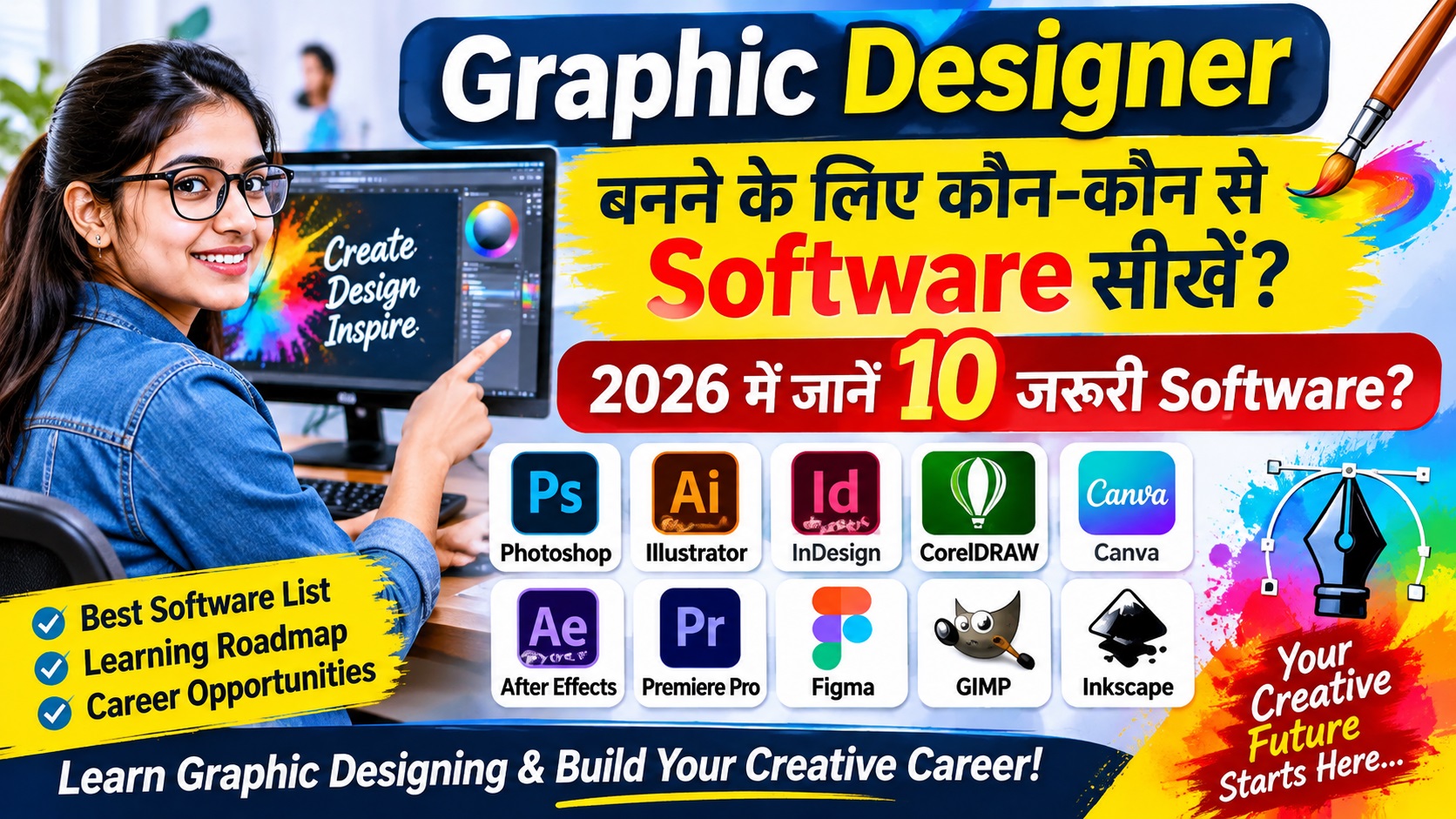
Graphic Designer बनने के लिए कौन-कौन से Software सीखें? 2026 EXCELLENT COMPUTER EDUCATION | INDIRA NAGAR, LUCKNOW Graphic Designer बनने
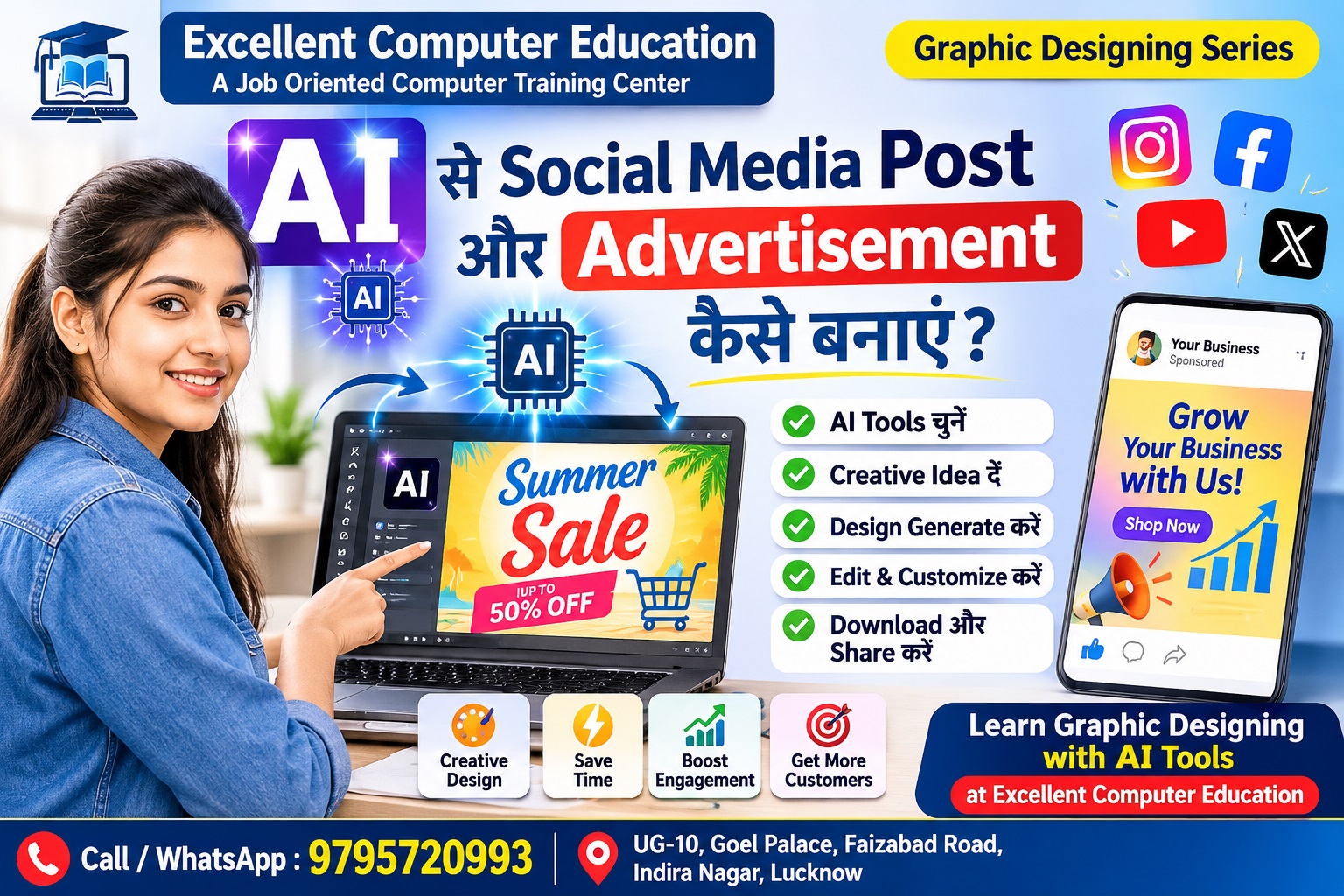
AI से Social Media Post और Ads कैसे बनाएं? 2026 Guide EXCELLENT COMPUTER EDUCATION | LUCKNOW ChatGPT और Canva AI
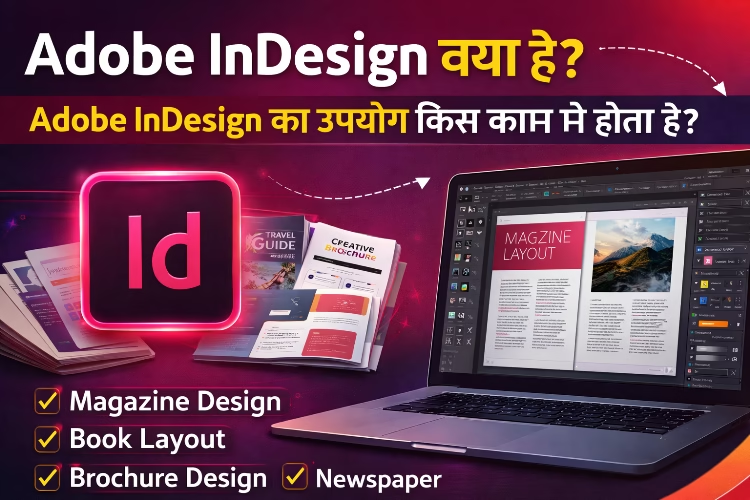
Adobe InDesign क्या है? आज के समय में Publishing, Graphic Design और Print Media में professional layout design की
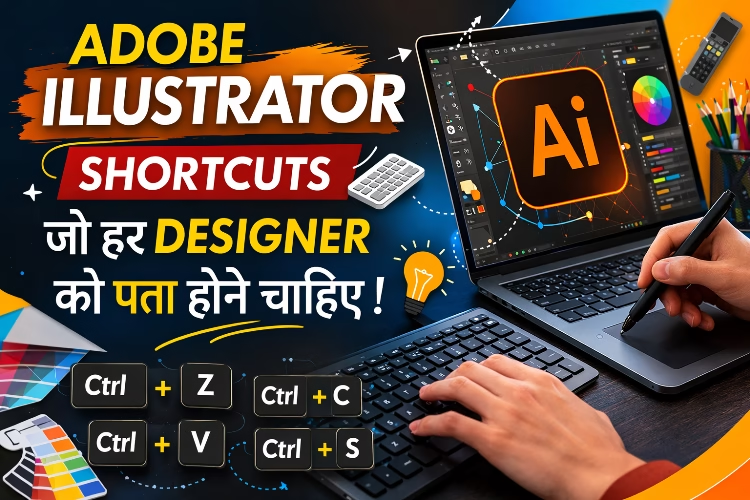
Adobe Illustrator Shortcuts in Hindi Adobe Illustrator एक powerful vector graphic design software है जिसका उपयोग Logo Design, Banner,