
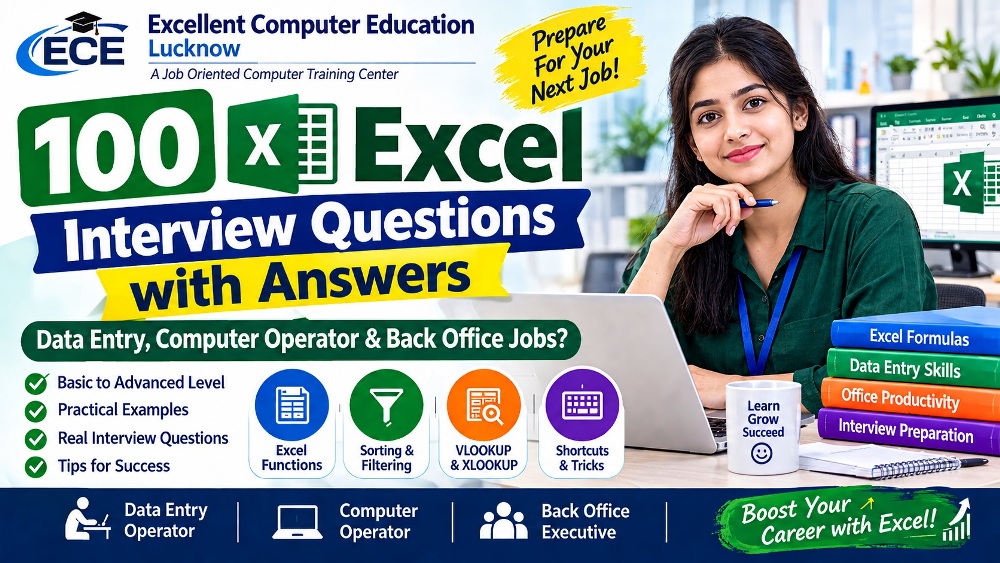
100 Excel Interview Questions & Answers
For Data Entry Operator, Computer Operator & Back Office Jobs
Beginner to Advanced | Practical Examples | Interview Tips
Excellent Computer Education, Lucknow
Introduction: Why is Excel Important for Data Entry Jobs?
Microsoft Excel is one of the most important computer applications used in offices, companies, schools, hospitals, banks and business organizations. Data Entry Operators use Excel to enter, organize, calculate, verify and maintain records.
Employers generally check Excel basics, formulas, formatting, sorting, filtering, data cleaning, shortcuts and practical problem-solving skills during interviews.
Search 100 Excel Interview Questions
10 Important Excel Interview Preparation Tips
- Learn the basic Excel interface, workbook and worksheet concepts.
- Practice SUM, AVERAGE, COUNT, MAX and MIN formulas.
- Understand IF, SUMIF and COUNTIF functions.
- Practice VLOOKUP and XLOOKUP with employee databases.
- Learn sorting, filtering and removing duplicates.
- Memorize important Excel keyboard shortcuts.
- Practice formatting dates, numbers, currency and percentages.
- Prepare an employee attendance and salary sheet.
- Learn how to identify and correct data-entry errors.
- Practice entering data accurately while maintaining good typing speed.
Practical Excel Projects for Data Entry Operator Jobs
Before attending an interview, practice these real-world Excel projects:
- Employee Database Management Sheet
- Student Admission and Fee Record
- Monthly Attendance Register
- Salary Calculation Sheet
- Customer Contact Database
- Sales and Purchase Register
- Invoice and Billing Sheet
- Stock and Inventory Management
- Data Cleaning and Duplicate Removal
- Monthly MIS Report
Frequently Asked Questions (FAQs)
1. Which Excel skills are required for a Data Entry Operator job?
2. Is Excel necessary for Data Entry Operator jobs?
3. What Excel formulas should beginners learn first?
4. Can I get a Data Entry Operator job after learning Excel?
5. How can I improve my Excel interview preparation?
6. What is the difference between VLOOKUP and XLOOKUP?
Learn Advanced Excel with Practical Training
Build job-ready Excel, MIS Reporting and Data Management skills with Excellent Computer Education, Lucknow.
Practical Training | Live Projects | Interview Preparation
Explore Excel Course Enquire on WhatsAppUG-10, Goel Palace, Faizabad Road, Indira Nagar, Lucknow – 226016
Contact: 9795720993
www.excellentcomputereducation.com
Explore Professional Excel & Data Analytics Courses
Upgrade your computer skills with practical training, real-world projects and job-oriented courses at Excellent Computer Education, Lucknow.
Advanced Excel Course in Indira Nagar, Lucknow
Learn Excel formulas, functions, IF, VLOOKUP, XLOOKUP, Pivot Tables, charts, data cleaning and professional spreadsheet management.
Advanced Excel with Power BI – Complete MIS Training
Develop professional MIS skills with Advanced Excel, Power Query, Power BI dashboards, data visualization, reporting and business analytics.
Data Analytics with AI Course in Lucknow
Learn modern data analytics skills, Excel, data visualization, AI-powered productivity, analytical thinking and practical data projects.
Join Excellent Computer Education, Indira Nagar, Lucknow.
Contact Us on WhatsApp: 9795720993 →
Visit Excellent Computer Education