
Become Our Member!

Edit Template

Become Our Member!

Edit Template

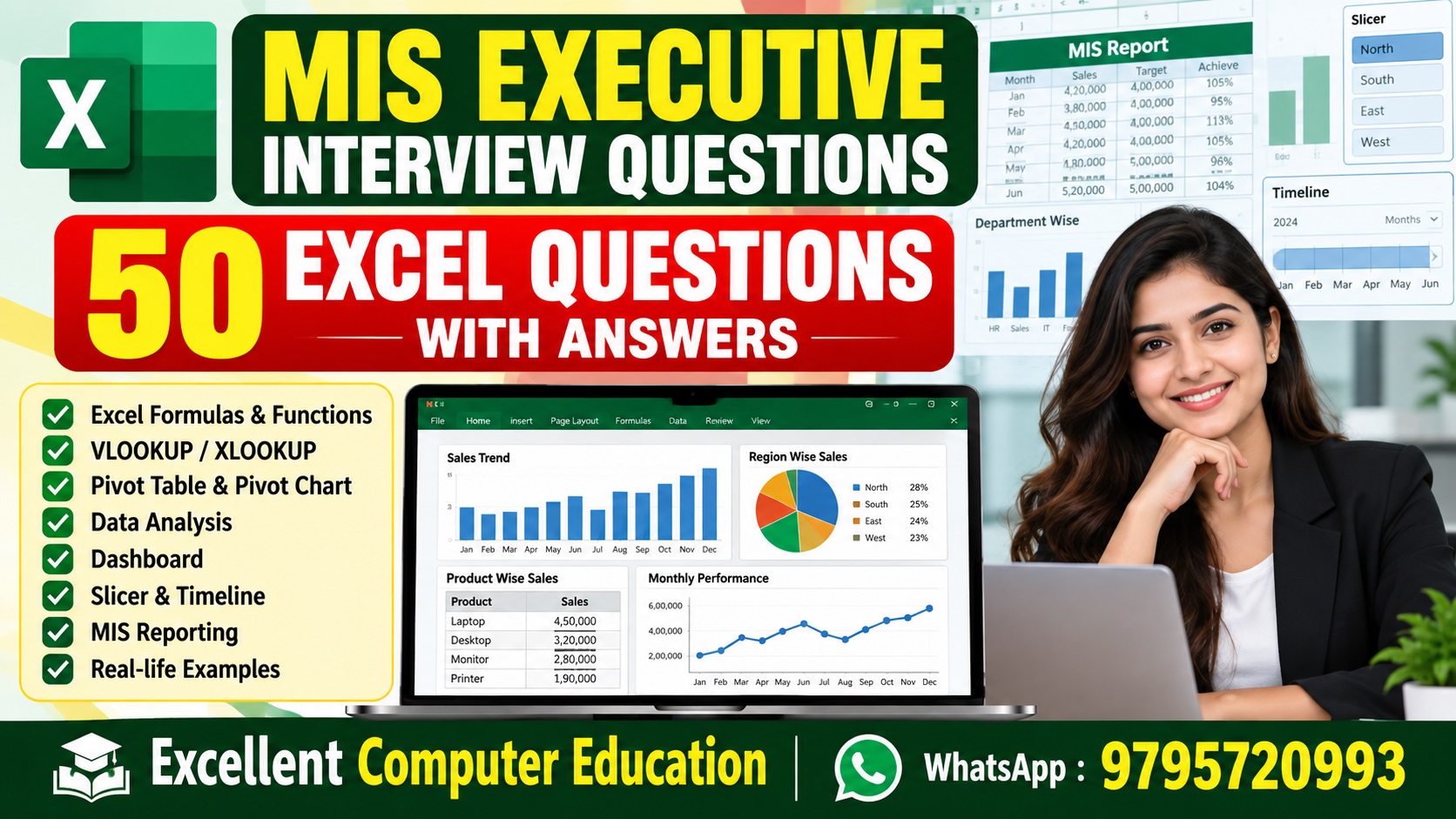
MIS Executive Interview Questions: 50 Excel Questions with Answers

Excel Interview Preparation 2026

MIS Executive Interview Questions: 50 Excel Questions with Answers

Learn the most important Excel interview questions for MIS Executive, MIS Analyst, Computer Operator, Data Entry and Office Jobs.

Practical Excel + Formula + Dashboard + MIS Preparation

Quick Answer: MIS Executive interview में Excel का knowledge बहुत महत्वपूर्ण होता है। Interview में Excel formulas, lookup functions, Pivot Table, charts, data cleaning, conditional formatting, dashboards और reporting से जुड़े practical questions पूछे जा सकते हैं।

अगर आप MIS Executive, MIS Analyst, Computer Operator, Back Office Executive, Data Entry Operator या Office Executive की job की तैयारी कर रहे हैं, तो यह article आपके लिए useful है।

इस post में हमने 50 important Excel interview questions with answers दिए हैं। इनमें Basic Excel से लेकर Advanced Excel, Lookup, Pivot Table, Dashboard और MIS Reporting तक के questions शामिल हैं।

Part 1: Basic Excel Interview Questions

1. Microsoft Excel क्या है?

Answer: Microsoft Excel एक spreadsheet application है जिसका उपयोग data entry, calculation, data analysis, reporting, charts, tables और MIS reports बनाने के लिए किया जाता है।

2. MIS Executive के लिए Excel क्यों जरूरी है?

Answer: MIS Executive को daily data को collect, clean, calculate, summarize और management report में convert करना होता है। Excel इन सभी tasks के लिए commonly used tool है।

3. Workbook और Worksheet में क्या difference है?

Answer: Workbook पूरी Excel file होती है। Worksheet workbook के अंदर मौजूद individual sheet होती है।

4. Cell और Cell Address क्या है?

Answer: Row और Column के intersection को cell कहते हैं। उदाहरण: A1 एक cell address है।

5. Relative और Absolute Reference क्या है?

Answer: Relative reference copy करने पर बदल जाता है। Absolute reference में $ symbol का उपयोग होता है और reference fixed रहता है।
Relative: =A2*B2
Absolute: =A2*$B$1

6. Excel में Sort और Filter का क्या उपयोग है?

Answer: Sort का उपयोग data को ascending या descending order में arrange करने के लिए किया जाता है। Filter का उपयोग केवल required records देखने के लिए किया जाता है।

7. Excel Table क्या है?

Answer: Excel Table structured data range है जिसमें automatic filtering, formatting, structured references और easy data expansion जैसी सुविधाएं मिलती हैं।

8. Freeze Panes क्या है?

Answer: Freeze Panes का उपयोग worksheet में किसी row या column को screen पर visible रखने के लिए किया जाता है, खासकर large data में।

9. Conditional Formatting क्या है?

Answer: Conditional Formatting conditions के आधार पर cells को automatically highlight करने के लिए उपयोग किया जाता है।
Example: Sales > 50000 को highlight करना।

10. Data Validation क्या है?

Answer: Data Validation का उपयोग cells में controlled या valid data entry करवाने के लिए किया जाता है। जैसे Department के लिए dropdown list।

Part 2: Excel Formula Interview Questions

11. SUM Function का उपयोग क्या है?

Answer: SUM function numbers का total निकालने के लिए उपयोग होता है।
=SUM(B2:B20)

12. AVERAGE Function क्या करता है?

Answer: AVERAGE selected numeric values का average निकालता है।
=AVERAGE(B2:B20)

13. COUNT और COUNTA में क्या difference है?

Answer: COUNT केवल numeric cells को count करता है जबकि COUNTA non-empty cells को count करता है।

14. IF Function क्या है?

Answer: IF function किसी condition को test करके अलग-अलग result देता है।
=IF(B2>=40,"Pass","Fail")

15. IFS Function क्या है?

Answer: IFS function multiple conditions को evaluate करने के लिए उपयोग होता है।
=IFS(B2>=80,"A",B2>=60,"B",B2>=40,"C",TRUE,"Fail")

16. SUMIF और SUMIFS में क्या difference है?

Answer: SUMIF एक condition के आधार पर sum करता है जबकि SUMIFS multiple conditions के आधार पर sum करता है।

17. COUNTIF और COUNTIFS क्या हैं?

Answer: COUNTIF एक condition के आधार पर cells count करता है और COUNTIFS multiple conditions के आधार पर cells count करता है।

18. IFERROR Function क्यों उपयोग किया जाता है?

Answer: IFERROR formula में आने वाली error value को controlled result से replace करने के लिए उपयोग किया जाता है।
=IFERROR(A2/B2,0)

19. MAX और MIN Function क्या करते हैं?

Answer: MAX सबसे बड़ी value और MIN सबसे छोटी value return करता है।

20. ROUND Function क्या है?

Answer: ROUND function किसी number को specified decimal places तक round करने के लिए उपयोग होता है।
=ROUND(A2,2)

Part 3: Lookup & Data Handling Questions

21. VLOOKUP क्या है?

Answer: VLOOKUP table के first column में value search करके उसी row से दूसरी column की value return करता है।
=VLOOKUP(A2,$F$2:$H$100,3,FALSE)

22. XLOOKUP क्या है?

Answer: XLOOKUP modern Excel lookup function है जो lookup और return arrays के साथ flexible तरीके से काम करता है।
=XLOOKUP(A2,F2:F100,H2:H100,"Not Found")

23. VLOOKUP और XLOOKUP में क्या difference है?

Answer: XLOOKUP में lookup और return ranges अलग-अलग specify किए जा सकते हैं, जबकि VLOOKUP traditional table-based lookup approach का उपयोग करता है।

24. INDEX और MATCH का उपयोग क्यों किया जाता है?

Answer: INDEX और MATCH को combination में flexible lookup के लिए उपयोग किया जा सकता है।
=INDEX(C2:C100,MATCH(F2,A2:A100,0))

25. Duplicate Data कैसे identify करेंगे?

Answer: Conditional Formatting, COUNTIF या Remove Duplicates feature का उपयोग करके duplicate data identify किया जा सकता है।
=COUNTIF($A$2:$A$100,A2)>1

26. Excel में Duplicate Data कैसे remove करेंगे?

Answer: Data tab → Remove Duplicates option का उपयोग किया जा सकता है। Remove करने से पहले original data की copy रखना useful है।

27. Excel में Blank Cells कैसे find करेंगे?

Answer: Go To Special, Filter, COUNTBLANK या Conditional Formatting जैसे methods का उपयोग किया जा सकता है।
=COUNTBLANK(A2:A100)

28. Text को Columns में कैसे divide करेंगे?

Answer: Data → Text to Columns feature का उपयोग करके एक column के data को delimiter जैसे comma, space या tab के आधार पर अलग किया जा सकता है।

29. TRIM Function का उपयोग क्या है?

Answer: TRIM text में unnecessary extra spaces को remove करने के लिए उपयोग होता है।
=TRIM(A2)

30. LEFT, RIGHT और MID Functions क्या करते हैं?

Answer: LEFT text के starting characters, RIGHT ending characters और MID बीच के specified characters निकालता है।

Part 4: Pivot Table & Dashboard Questions

31. Pivot Table क्या है?

Answer: Pivot Table large data को quickly summarize, group और analyze करने के लिए उपयोग किया जाता है।

32. MIS Report में Pivot Table क्यों उपयोग करते हैं?

Answer: Pivot Table से department-wise, employee-wise, month-wise, product-wise या region-wise summary जल्दी बनाई जा सकती है।

33. Pivot Table में Refresh क्यों करना पड़ता है?

Answer: Source data में changes होने के बाद Pivot Table को latest data दिखाने के लिए Refresh किया जाता है।

34. Slicer क्या है?

Answer: Slicer एक visual filtering tool है जिसका उपयोग Pivot Table या compatible Excel tables को आसानी से filter करने के लिए किया जाता है।

35. Timeline क्या है?

Answer: Timeline date-based data को year, quarter, month या day के अनुसार visually filter करने में मदद करती है।

36. Excel Dashboard क्या है?

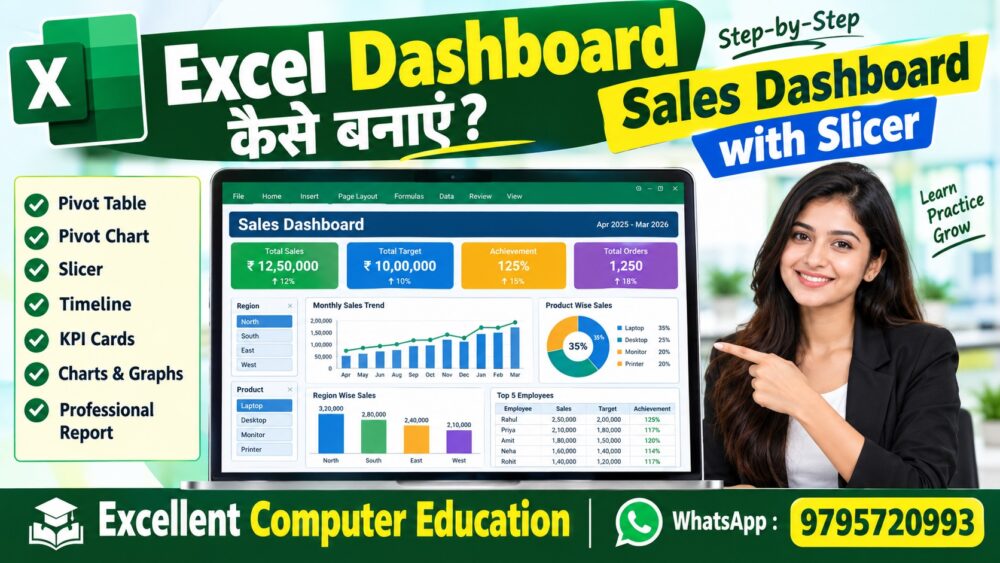
Answer: Excel Dashboard एक visual reporting page है जिसमें KPIs, charts, tables, slicers और important business information को एक जगह दिखाया जाता है।

37. KPI क्या होता है?

Answer: KPI यानी Key Performance Indicator किसी business या process की performance को measure करने वाला important metric है।

38. MIS Dashboard में कौन-कौन से charts उपयोग कर सकते हैं?

Answer: Requirement के अनुसार Column Chart, Bar Chart, Line Chart, Pie/Doughnut Chart और अन्य suitable visuals उपयोग किए जा सकते हैं।

39. Pivot Chart क्या है?

Answer: Pivot Chart Pivot Table के summarized data का graphical representation होता है।

40. Dashboard में Slicer का क्या फायदा है?

Answer: Slicer user को dashboard data को category, department, employee, region या product जैसे fields के आधार पर quickly filter करने देता है।

Part 5: Advanced Excel & MIS Questions

41. Power Query क्या है?

Answer: Power Query data को import, clean, transform और combine करने के लिए उपयोग किया जाने वाला Excel feature है।

42. Excel में Data Cleaning क्या है?

Answer: Raw data से duplicate records, extra spaces, incorrect formats, blanks और inconsistent values को identify करके सही करना data cleaning है।

43. MIS Report क्या होती है?

Answer: MIS Report ऐसी structured report है जिसमें business/process data को summarize करके management को decision-making के लिए useful information दी जाती है।

44. MIS Executive की daily Excel responsibilities क्या हो सकती हैं?

Answer: Data collection, data cleaning, report preparation, Excel formulas, Pivot reports, dashboard updates, data verification और scheduled reporting जैसी responsibilities हो सकती हैं।

45. Large Excel Data को efficiently कैसे handle करेंगे?

Answer: Structured Tables, Power Query, Pivot Tables, suitable formulas, filtering, data validation और unnecessary formatting को control करके large data को efficiently manage किया जा सकता है।

46. Excel में Formula Auditing क्या है?

Answer: Formula Auditing का उपयोग formulas के relationships, precedents, dependents और errors को check करने के लिए किया जाता है।

47. Excel file को protect कैसे करेंगे?

Answer: Worksheet या Workbook protection features का उपयोग करके sheets, workbook structure या selected cells को protect किया जा सकता है।

48. MIS Report में Data Accuracy कैसे maintain करेंगे?

Answer: Source verification, duplicate checking, formula validation, data validation, reconciliation और final quality check के माध्यम से data accuracy improve की जा सकती है।
Interview Tip: केवल formula का नाम न बताएं। एक छोटा practical example भी बताएं।

49. MIS Executive के लिए कौन-कौन से Excel skills important हैं?

Answer: Basic Excel, IF, SUMIFS, COUNTIFS, Lookup Functions, Conditional Formatting, Data Validation, Pivot Table, Charts, Slicer, Dashboard, Data Cleaning और Power Query जैसी skills useful हो सकती हैं।

50. अगर interviewer कहे कि एक MIS Report बनाकर दिखाइए तो क्या करेंगे?

Answer: सबसे पहले requirement समझूंगा, फिर source data check करूंगा। इसके बाद data cleaning, formulas/lookup, Pivot Table और required charts का उपयोग करके summary report या dashboard तैयार करूंगा। अंत में totals और important figures को source data से verify करूंगा।
Raw Data → Data Cleaning → Formula/Lookup → Pivot Table → Charts/KPI → Dashboard → Final Verification

Quick Excel Interview Revision Chart

Excel SkillInterview UseExample
SUMTotal calculation=SUM(B2:B20)
IFCondition=IF(B2>=40,"Pass","Fail")
SUMIFSMultiple-condition totalSales by region/month
COUNTIFSMultiple-condition countEmployee/Status count
XLOOKUPData lookupEmployee ID → Salary
Pivot TableData summaryMonth-wise Sales
SlicerInteractive filteringDepartment Filter
Power QueryData transformationCombine monthly files
DashboardManagement reportingKPI + Charts

MIS Executive Interview के लिए 10 Practical Tips

  1. Excel formulas को केवल याद न करें, practical use समझें।
  2. VLOOKUP/XLOOKUP और Pivot Table की practice करें।
  3. Raw data को clean करना सीखें।
  4. Conditional Formatting का practical use सीखें।
  5. Pivot Table से summary report बनाना practice करें।
  6. Slicer और Timeline से interactive report बनाएं।
  7. एक professional Excel Dashboard जरूर practice करें।
  8. Data accuracy और reconciliation को समझें।
  9. Interview से पहले 2–3 MIS projects बनाकर रखें।
  10. अगर practical test हो तो पहले requirement समझें और फिर report बनाएं।

Bonus: MIS Executive Excel Practical Test

Practice Project: एक Sales MIS Dashboard बनाइए जिसमें निम्न data fields हों: Employee Name, Department, Month, Product, Region, Sales, Target और Achievement %.
  1. Total Sales calculate करें।
  2. Target और Actual Sales compare करें।
  3. Achievement Percentage calculate करें।
  4. Top 5 employees identify करें।
  5. Region-wise Sales report बनाएं।
  6. Month-wise Sales trend बनाएं।
  7. Pivot Table बनाएं।
  8. Slicer add करें।
  9. Management Dashboard बनाएं।
  10. Final report को verify करें।

Advanced Excel & MIS सीखना चाहते हैं?

Practical Excel, MIS Reporting, Dashboard, Pivot Table, Advanced Formulas और Job-Oriented Computer Skills सीखने के लिए Excellent Computer Education से जुड़ें।

Excellent Computer Education
A Job Oriented Computer Training Center
UG-10, Goel Palace, Faizabad Road, Lucknow-226016

WhatsApp for Course Details Call Now

Frequently Asked Questions – MIS Executive & Excel

1. MIS Executive बनने के लिए Excel कितना आना चाहिए?

Basic Excel के साथ formulas, lookup functions, Pivot Table, data cleaning, charts और basic dashboard/reporting की practical understanding useful होती है।

2. MIS Executive interview में Excel के कौन से questions पूछे जाते हैं?

IF, SUMIFS, COUNTIFS, VLOOKUP/XLOOKUP, Pivot Table, Conditional Formatting, Data Validation, Slicer, Dashboard और data cleaning जैसे topics पर questions पूछे जा सकते हैं।

3. क्या MIS Executive job के लिए Advanced Excel जरूरी है?

Job requirements company और role के अनुसार अलग-अलग होती हैं। कई MIS roles में advanced Excel features और practical reporting skills useful होती हैं।

4. MIS Executive के लिए कौन से Excel formulas सीखने चाहिए?

SUM, AVERAGE, IF, IFS, SUMIF, SUMIFS, COUNTIF, COUNTIFS, IFERROR, XLOOKUP, VLOOKUP, INDEX-MATCH और text functions जैसे formulas practical preparation के लिए useful हैं।

5. MIS Executive interview में practical test होता है?

कुछ organizations practical Excel test ले सकती हैं। Test में data cleaning, formulas, lookup, Pivot Table, reporting या dashboard-related task दिया जा सकता है।

6. Excel Dashboard MIS Executive के लिए क्यों useful है?

Dashboard important KPIs और summarized information को visual format में present करने में मदद करता है, जिससे reports को समझना आसान हो सकता है।

Important: Interview questions और job requirements company, designation और experience level के अनुसार अलग हो सकते हैं। इसलिए केवल questions याद करने के बजाय practical Excel projects की practice करें।
```

Leave a Reply

Your email address will not be published. Required fields are marked *

About Company

Excellent Computer Education    (A unit of Excellent Educational Welfare Society) is provided to basic computer knowledge through this blog.

Most Recent Posts

  • All Posts
  • Artificial Intelligence
  • Certificate Courses
  • Computer Courses
  • Diploma
  • Education
  • Google News
  • Google Sheet
  • Govt Exams Preparation
  • Marketing
  • Typing [ट्यपिंग]
  • UP Sarkari Job
  • अक्सर पूछे जाने वाले प्रश्न [GK]
  • आनलाइन अर्निंग साइट [Online Earning Sits]
  • आनलाइन टेस्ट [Online Test]
  • इंटरनेट ज्ञान [Internet]
  • एक्सेल मैक्रो
  • एम एस वर्ड [MS Word]
  • एस एस एक्से्ल [Excel]
  • कंप्यूटर बुक्स [Computer Books]
  • कम्प्यूटर हार्डवेयर ज्ञान [Computer Hardware]
  • कोरल ड्रा [Corel Draw]
  • गूगल ड्राइव [Google Drive]
  • टेक्नोलॉजी [Technology]
  • टेक्नोलॉजी [Technology]इंटरनेट ज्ञान [Internet]
  • टैली [Tally]
  • डाउनलोड [Download]
  • डिजीटल मार्केटिंग ज्ञान [Digital Marketing]
  • पावर पाइंट [Power Point]
  • फॉटोशॉप [Photoshop]
  • बेसिक ज्ञान [Basic Knowledge]
  • लिब्रा आफिस [Libre Office]
  • सी.सी.सी. महत्वपूर्ण नोटस [CCC Notes]

    Excellent Computer Education

UG-10, Goel Palace,
Faizabad Road, Indira Nagar,
Lucknow, Uttar Pradesh – 226016

Phone / WhatsApp: +91 9795720993

FAQs

Terms & Conditions

Download Our App

© 2024 Created with Excellent Computer Education, Lucknow