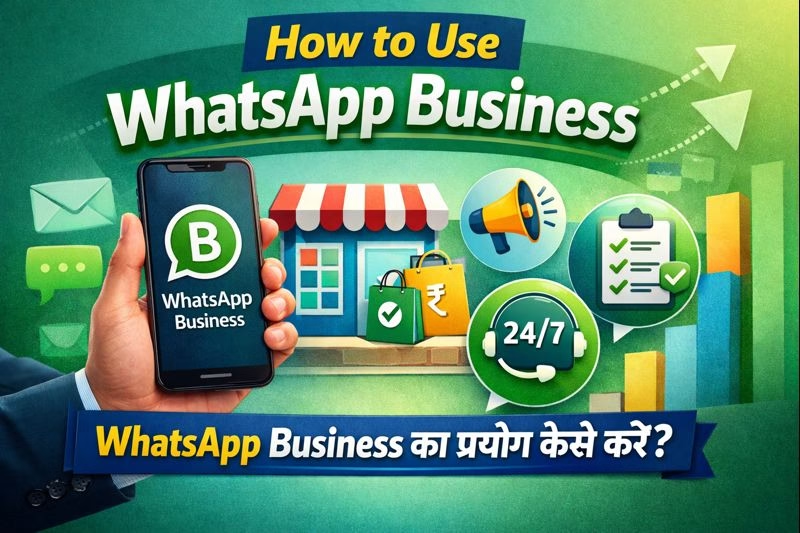
WhatsApp Business का प्रयोग कैसे करें?
How to use WhatsApp Business – आज के digital दौर में customers direct और fast communication पसंद करते हैं। यही reason है कि WhatsApp Business आज small shops से लेकर coaching institutes और service providers तक के लिए एक powerful business tool बन चुका है।
अगर आप जानना चाहते हैं कि WhatsApp Business का प्रयोग कैसे करें और इसे business growth के लिए कैसे use करें, तो यह complete blog आपके लिए है।
WhatsApp Business क्या है?
WhatsApp Business एक free mobile application है, जिसे खास तौर पर business owners के लिए design किया गया है।
इस app की मदद से आप:
- Customers से professional तरीके से chat कर सकते हैं
- Business details show कर सकते हैं
- Auto-reply और catalogue जैसे smart features use कर सकते हैं
👉 यह app normal WhatsApp से अलग होती है और business communication को आसान बनाती है।
WhatsApp Business Account कैसे बनाएं? (Step-by-Step)
WhatsApp Business start करना बहुत आसान है:
- Play Store / App Store से WhatsApp Business App download करें
- अपना mobile number verify करें
- Business name और category select करें
- Profile photo और basic details add करें
- बस! अब आपका WhatsApp Business account ready है।
Business Profile कैसे Optimize करें?
एक strong business profile customer trust बढ़ाती है।
Profile में क्या-क्या add करें:
- Business Name (clear और professional)
- Business Description (आप क्या service देते हैं)
- Address & Location
- Working Hours
- Website / Email ID
WhatsApp Business के Important Features
🔹 Quick Replies
Same सवालों का बार-बार reply करने के लिए short commands set करें।
Example: /fees लिखते ही fees details send हो जाए।
🔹 Greeting Message
जब कोई नया customer message करे, तो automatic welcome message भेजा जाता है।
🔹 Away Message
Office hours के बाहर customers को auto message चला जाता है।
🔹 Labels
Customers को organize करने के लिए labels use करें जैसे:
- New Customer
- Payment Pending
- Follow-up Required
WhatsApp Catalog का प्रयोग कैसे करें?
- Catalog feature से आप अपने products या services WhatsApp पर showcase कर सकते हैं।
- Catalog में add कर सकते हैं:
- Product / Service Image
- Price
- Short Description
👉 इससे customer को website पर जाने की जरूरत नहीं पड़ती।
WhatsApp Business से Business कैसे Grow करें?
WhatsApp Business सिर्फ chatting app नहीं, बल्कि business growth tool है।
Effective usage tips:
- Regular customers को offers और updates भेजें
- Festival और special days पर promotions करें
- Personalized messages भेजें
- Timely follow-up करें (spam नहीं)
WhatsApp Business vs Normal WhatsApp
| Feature | Normal WhatsApp | WhatsApp Business |
| Business Profile | ❌ | ✅ |
| Auto Reply | ❌ | ✅ |
| Catalog | ❌ | ✅ |
| Labels | ❌ | ✅ |
| Professional Use | ❌ | ✅ |
👉 Business use के लिए हमेशा WhatsApp Business ही use करें।
WhatsApp Business Use करते समय Common Mistakes
❌ Personal और business chats को mix करना
❌ Customer permission के बिना message भेजना
❌ Over-promotion या spam करना
❌ Incomplete business profile रखना
इन mistakes से बचकर आप बेहतर results पा सकते हैं।
क्या WhatsApp Business भारत में Legal है?
✅ हाँ, WhatsApp Business India में पूरी तरह legal है, बस:
- Customer consent होना चाहिए
- WhatsApp policies follow करनी होंगी
- Fake या misleading messages avoid करने होंगे
WhatsApp Business किसके लिए Best है?
WhatsApp Business खास तौर पर useful है:
- Small & local businesses
- Coaching / computer institutes
- Online sellers
- Freelancers & service providers
FAQ Section – How to Use WhatsApp Business
❓ WhatsApp Business क्या है?
WhatsApp Business एक free mobile app है जो specially business owners के लिए बनाया गया है। इसके जरिए आप customers से professional तरीके से chat कर सकते हैं और अपने products या services को promote कर सकते हैं।
❓ WhatsApp Business और Normal WhatsApp में क्या फर्क है?
Normal WhatsApp personal use के लिए होता है, जबकि WhatsApp Business में business profile, auto-reply, labels और catalog जैसे extra features मिलते हैं, जो business communication को आसान बनाते हैं।
❓ क्या WhatsApp Business इस्तेमाल करना free है?
हाँ, WhatsApp Business app पूरी तरह free है। आप बिना किसी charge के basic business features use कर सकते हैं। Advanced automation के लिए WhatsApp Business API paid होती है।
❓ क्या WhatsApp Business पर bulk messages भेजना safe है?
Limited और relevant messages safe होते हैं। लेकिन बिना permission के spam या bulk messages भेजने से account block हो सकता है। Large-scale messaging के लिए WhatsApp Business API बेहतर option है।
❓ क्या एक phone में WhatsApp और WhatsApp Business दोनों चला सकते हैं?
हाँ, आप एक ही phone में WhatsApp और WhatsApp Business दोनों use कर सकते हैं, लेकिन दोनों के लिए अलग-अलग mobile numbers होना जरूरी है।
❓ WhatsApp Business API कब use करनी चाहिए?
जब आपको high-volume messaging, automation, chatbot, CRM integration और zero ban risk चाहिए, तब WhatsApp Business API का use करना best रहता है।
Conclusion
अगर आप customers के साथ direct, fast और trusted communication चाहते हैं, तो WhatsApp Business का प्रयोग जरूर करें।
👉 आज ही WhatsApp Business शुरू करें और अपने business को next level पर ले जाएँ।