Table of Contents
ToggleAdobe After Effects क्या है?
आज के समय में वीडियो कंटेंट तेजी से बढ़ रहा है। YouTube, Social Media, फिल्मों और विज्ञापनों में आकर्षक वीडियो बनाने के लिए Motion Graphics और Visual Effects की जरूरत होती है। इन्हीं कामों के लिए एक लोकप्रिय और शक्तिशाली सॉफ्टवेयर है Adobe After Effects।
यह सॉफ्टवेयर वीडियो में Animation, Motion Graphics और Special Effects जोड़ने के लिए उपयोग किया जाता है। दुनिया भर के वीडियो एडिटर, फिल्म मेकर और डिजिटल कंटेंट क्रिएटर इसका उपयोग करते हैं।
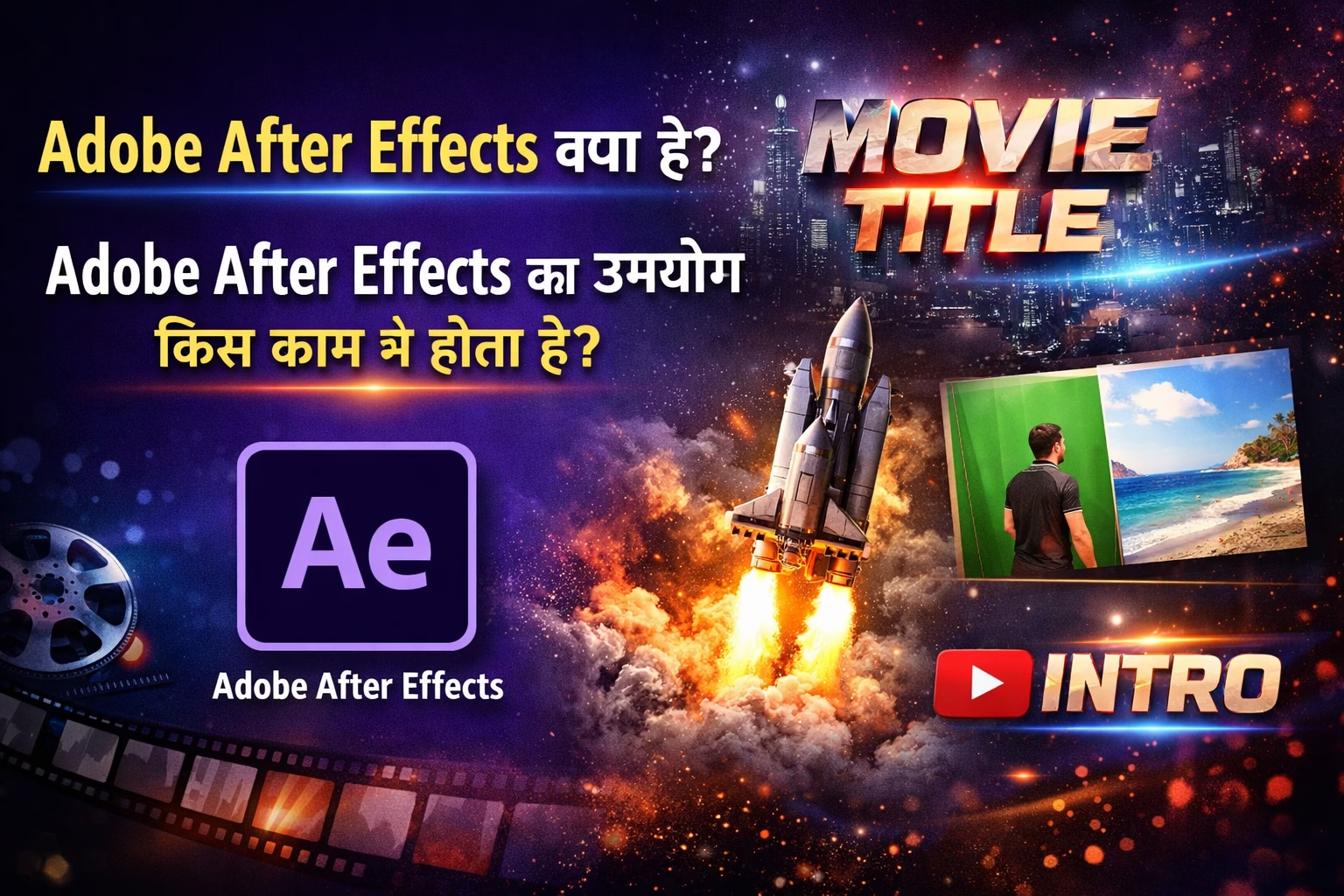
Adobe After Effects क्या है
Adobe After Effects एक Professional Motion Graphics और Visual Effects Software है जिसे Adobe द्वारा विकसित किया गया है। यह सॉफ्टवेयर मुख्य रूप से वीडियो में Animation, VFX (Visual Effects) और Motion Graphics बनाने के लिए इस्तेमाल होता है।
इसका उपयोग आमतौर पर वीडियो एडिटिंग सॉफ्टवेयर के साथ किया जाता है जैसे Adobe Premiere Pro। Premiere Pro में वीडियो एडिट करने के बाद After Effects में उस वीडियो पर Special Effects और Animation जोड़े जाते हैं।
Adobe After Effects का उपयोग किस काम में होता है?
Adobe After Effects का उपयोग कई प्रकार के क्रिएटिव और प्रोफेशनल कामों के लिए किया जाता है।
Motion Graphics Design
Motion Graphics का मतलब है Graphic Elements को Animation के साथ दिखाना। After Effects की मदद से Moving Text, Animated Graphics और Professional Visual Content बनाया जाता है।
उदाहरण:
- YouTube Intro
- Logo Animation
- Promotional Videos
Visual Effects (VFX)
फिल्मों और वीडियो में Special Effects जोड़ने के लिए After Effects का उपयोग किया जाता है।
उदाहरण:
- Fire Effect
- Explosion Effect
- Rain Effect
- Light Effect
इन Effects की मदद से वीडियो को ज्यादा आकर्षक और Realistic बनाया जा सकता है।
Title Animation
वीडियो के Title और Credits को Animated बनाने के लिए After Effects का उपयोग किया जाता है।
उदाहरण:
- Movie Title
- Video Opening Titles
- Animated Text Effects
Green Screen Editing
After Effects की मदद से Green Screen Background को हटाकर नई Background लगाई जा सकती है। इस तकनीक का उपयोग फिल्मों, YouTube वीडियो और विज्ञापनों में किया जाता है।
Logo Animation
कई कंपनियां अपने Brand Logo को Animated बनाती हैं ताकि वह ज्यादा Professional और आकर्षक दिखाई दे। After Effects में आसानी से Logo Animation बनाया जा सकता है।
Social Media Video Effects
Instagram Reels, YouTube Shorts और Facebook Videos में Creative Effects जोड़ने के लिए भी After Effects का उपयोग किया जाता है।
Adobe After Effects के मुख्य Features
Adobe After Effects में कई Advanced Features होते हैं जो इसे Motion Graphics के लिए बहुत लोकप्रिय बनाते हैं।
- Motion Graphics Creation
- Visual Effects Tools
- 3D Animation Support
- Advanced Text Animation
- Green Screen Editing
- Multiple Layer Editing
इन Features की मदद से Professional Level के Videos बनाए जा सकते हैं।
Adobe After Effects कौन सीख सकता है?
After Effects सीखने के लिए किसी विशेष तकनीकी योग्यता की जरूरत नहीं होती। यह सॉफ्टवेयर कई प्रकार के लोगों के लिए उपयोगी है।
- Video Editors
- YouTube Creators
- Graphic Designers
- Digital Marketers
- Animation Students
अगर किसी को Video Production या Digital Media में Career बनाना है तो After Effects सीखना बहुत फायदेमंद हो सकता है।
Adobe After Effects सीखने के फायदे?
After Effects सीखने से कई Career Opportunities मिलती हैं।
- Video Editor
- Motion Graphics Designer
- VFX Artist
- YouTube Content Creator
- Freelance Video Designer
डिजिटल मीडिया और ऑनलाइन वीडियो कंटेंट के बढ़ते उपयोग के कारण इस Skill की मांग लगातार बढ़ रही है।
निष्कर्ष
Adobe After Effects एक शक्तिशाली Motion Graphics और Visual Effects Software है जो वीडियो को अधिक Professional और आकर्षक बनाने में मदद करता है। इसका उपयोग फिल्मों, YouTube वीडियो, विज्ञापनों और सोशल मीडिया कंटेंट में व्यापक रूप से किया जाता है। अगर आप Video Editing या Animation के क्षेत्र में आगे बढ़ना चाहते हैं तो Adobe After Effects सीखना आपके लिए एक महत्वपूर्ण कदम हो सकता है।
FAQ – Adobe After Effects
- Adobe After Effects क्या है?
Adobe After Effects एक Professional Motion Graphics और Visual Effects Software है जिसका उपयोग वीडियो में Animation, Special Effects और Motion Graphics बनाने के लिए किया जाता है। - Adobe After Effects का उपयोग किस काम में होता है?
इसका उपयोग Motion Graphics, Logo Animation, Video Effects, Title Animation, Green Screen Editing और Film VFX बनाने के लिए किया जाता है। - क्या Adobe After Effects Video Editing के लिए उपयोग होता है?
Adobe After Effects मुख्य रूप से Motion Graphics और Visual Effects के लिए उपयोग किया जाता है, जबकि Video Editing के लिए आमतौर पर Adobe Premiere Pro का उपयोग किया जाता है। - क्या Beginners Adobe After Effects सीख सकते हैं?
हाँ, Beginners भी Adobe After Effects सीख सकते हैं। Basic Video Editing और Graphic Design की जानकारी होने से इसे सीखना और आसान हो जाता है। - Adobe After Effects सीखने के बाद कौन-कौन सी Jobs मिल सकती हैं?
After Effects सीखने के बाद Motion Graphics Designer, Video Editor, VFX Artist, YouTube Content Creator और Freelance Video Designer जैसे Career Options मिल सकते हैं। - Adobe After Effects किस कंपनी का Software है?
Adobe After Effects को Adobe द्वारा विकसित किया गया है और यह Creative Cloud का हिस्सा है। - क्या Adobe After Effects Free में मिलता है?
Adobe After Effects एक Paid Software है जो आमतौर पर Adobe Creative Cloud subscription के साथ उपलब्ध होता है।