
Advanced Excel Course
आज के समय में Computer Skills के साथ Microsoft Excel का ज्ञान भी कई ऑफिस और प्राइवेट नौकरियों के लिए उपयोगी है। अगर आप Data Entry Operator, MIS Executive, Office Assistant, Accountant या Data Analyst जैसी भूमिकाओं के लिए अपनी skills बेहतर बनाना चाहते हैं, तो Advanced Excel सीखना आपके लिए एक अच्छा विकल्प हो सकता है।
अगर आप Advanced Excel Course Fees in Lucknow 2026 के बारे में जानकारी खोज रहे हैं, तो इस ब्लॉग में आपको कोर्स की फीस तय करने वाले कारक, duration, syllabus, practical training और career options के बारे में जानकारी मिलेगी। साथ ही, आप यह भी समझ पाएंगे कि अपने लिए सही Excel training course कैसे चुनें।
Advanced Excel Course क्या है?
Advanced Excel, Microsoft Excel का एक advanced-level training course है। इसमें सामान्य data entry और formatting के अलावा formulas, functions, data analysis, Pivot Tables, charts, dashboards और reporting जैसी skills सिखाई जाती हैं।
इस कोर्स में विद्यार्थी real-world data पर काम करना सीख सकते हैं, जैसे:
- Monthly Sales Report तैयार करना
- Employee Attendance और Salary Sheet बनाना
- MIS Report तैयार करना
- बड़े data को Sort और Filter करना
- Pivot Table से summary report बनाना
- Excel formulas से calculations automate करना
- Dashboard के माध्यम से data को visual format में दिखाना
यह कोर्स उन विद्यार्थियों और working professionals के लिए उपयोगी हो सकता है जो अपने office work को अधिक व्यवस्थित और efficient बनाना चाहते हैं।
Advanced Excel Course Fees in Lucknow
Lucknow में Advanced Excel Course की Fees – Rs. 3500 से लेकर Rs. 10000 तक हो सकती है, जो हर training institute में एक जैसी नहीं होती। फीस इस बात पर निर्भर कर सकती है कि कोर्स में कौन-कौन से topics शामिल हैं, कितनी practical classes दी जाती हैं और training की अवधि कितनी है।

Advanced Excel Course की फीस पता करते समय इन बातों की जानकारी जरूर लें:
- Course Duration: कोर्स कितने दिनों या महीनों का है?
- Syllabus: क्या इसमें VLOOKUP, XLOOKUP, Pivot Table, Dashboard और Power Query जैसे topics शामिल हैं?
- Practical Training: क्या विद्यार्थियों को खुद computer पर practice करने का पर्याप्त समय मिलता है?
- Study Material: क्या notes, practice files और assignments उपलब्ध कराए जाते हैं?
- Certificate: कोर्स पूरा करने पर certificate दिया जाता है या नहीं?
- Additional Charges: क्या registration, examination या certificate के लिए अलग शुल्क है?
Excellent Computer Education, Indira Nagar, Lucknow में Advanced Excel Course की वर्तमान फीस, batch timing और course duration की जानकारी सीधे institute से प्राप्त करें।
ध्यान दें: फीस की सही तुलना करने के लिए केवल कम कीमत न देखें। Course syllabus, practical training और सीखने के अवसरों को भी ध्यान में रखें।
Download 50 Advance Excel Sheet Practical Assignment …
Advanced Excel Course की Duration कितनी होती है?
Advanced Excel Course की duration institute के syllabus, class frequency और training level के अनुसार अलग-अलग हो सकती है।
एक व्यवस्थित course में सामान्यतः निम्न स्तर शामिल हो सकते हैं:
- Basic Revision: Excel interface, workbook, worksheet, formatting और data entry
- Formula Training: Logical, Lookup, Text, Date और Statistical functions
- Data Analysis: Sorting, Filtering, Conditional Formatting और Data Validation
- Reporting: Pivot Table, Pivot Chart, charts और dashboards
- Advanced Tools: Power Query और अन्य data-cleaning techniques, यदि syllabus में शामिल हों
- Practical Projects: Attendance sheet, sales report, salary sheet और MIS report
Admission लेने से पहले institute से वास्तविक duration, class schedule और practical syllabus की पुष्टि करें।
Best Advanced Excel Institute in Indira Nagar Lucknow
Advanced Excel Course Syllabus
एक अच्छा Advanced Excel course केवल formulas याद करने तक सीमित नहीं होना चाहिए। इसमें practical examples और projects भी होने चाहिए।
1. Excel Basics and Formatting
- Workbook और Worksheet का उपयोग
- Rows, Columns और Cells
- Number, Date और Custom Formatting
- Conditional Formatting
- Sort और Filter
- Freeze Panes
- Find and Replace
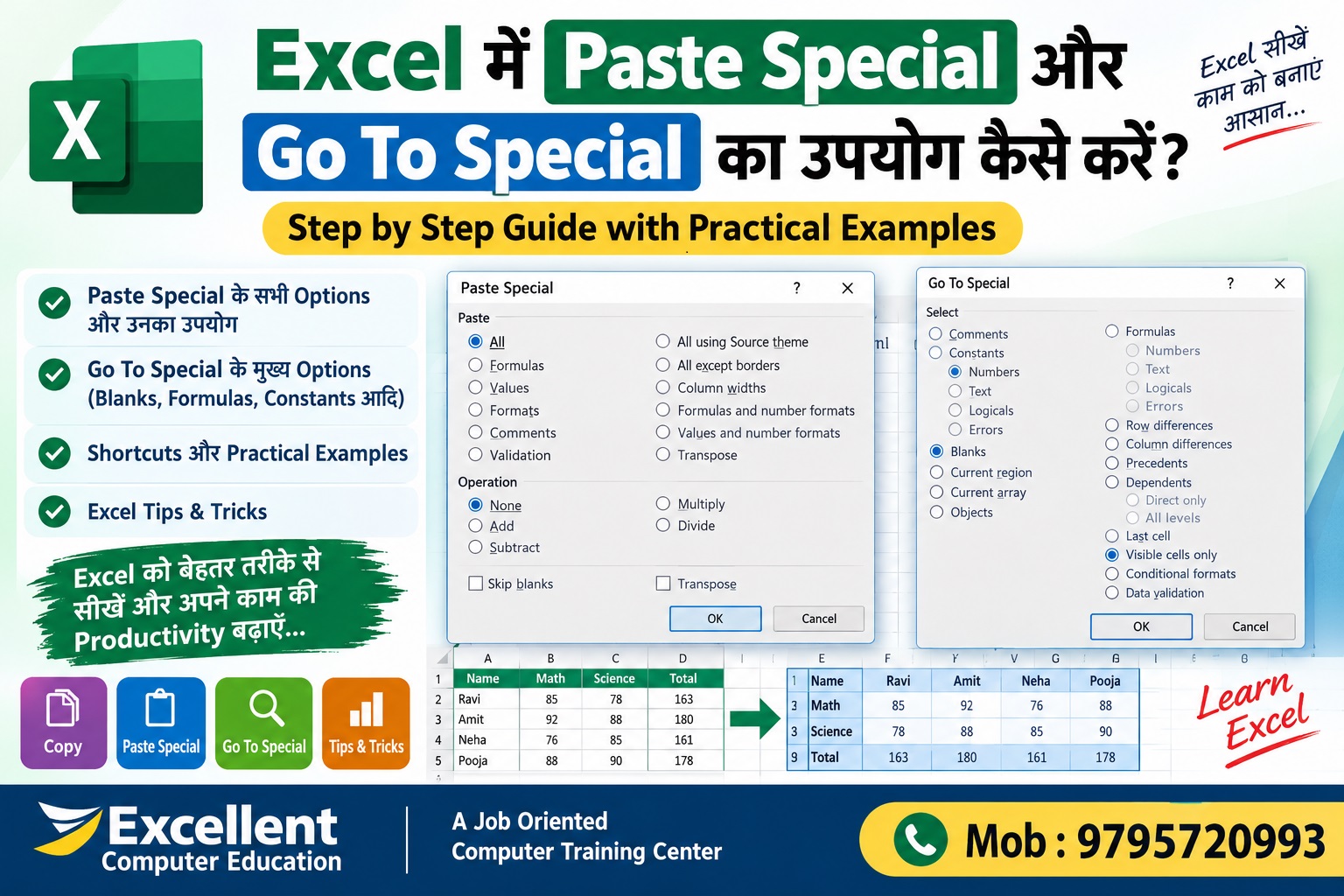
- Paste Special और Go To Special
Excel के Important Formulas जो हर Student और Professional को पता होने चाहिए
2. Important Excel Formulas and Functions
- SUM, AVERAGE, MIN और MAX
- COUNT, COUNTA और COUNTBLANK
- IF और Nested IF
- SUMIF और SUMIFS
- COUNTIF और COUNTIFS
- IFERROR
- VLOOKUP और HLOOKUP
- XLOOKUP
- INDEX और MATCH
- LEFT, RIGHT, MID और TEXT
- Date और Time Functions
3. Data Analysis Tools
- Data Validation और Drop-down List
- Remove Duplicates
- Text to Columns
- Flash Fill
- Data Cleaning
- Subtotal
- What-If Analysis के मूल उपयोग
4. Pivot Table and Pivot Chart
Pivot Table बड़े data को summary में बदलने के लिए उपयोगी है। इससे आप department-wise sales, employee-wise attendance और month-wise performance report बना सकते हैं।
इस section में सीखें:
- Pivot Table बनाना
- Rows, Columns, Values और Filters का उपयोग
- Grouping और Sorting
- Pivot Chart बनाना
- Slicers का उपयोग, जहाँ उपलब्ध हो
5. Excel Dashboard and MIS Reporting
Dashboard में महत्वपूर्ण data को charts, summary tables और key performance indicators के रूप में दिखाया जाता है।
आप सीख सकते हैं:
- Monthly Sales Dashboard
- Employee Performance Report
- Attendance Dashboard
- Target vs Achievement Report
- MIS Report Formatting
- Charts और Interactive Filters
6. Power Query और Advanced Data Tools
Power Query का उपयोग अलग-अलग data sources से data import, clean, transform और refresh करने के लिए किया जा सकता है। यह feature Excel के version और उपलब्ध data connectors के अनुसार अलग हो सकता है।
7. Practical Excel Projects
कोर्स के दौरान इन जैसे projects पर अभ्यास करना उपयोगी रहेगा:
- Student Attendance Sheet
- Monthly Salary Sheet
- Sales Analysis Report
- Stock या Inventory Report
- Employee Database
- Monthly MIS Dashboard
MIS Training Center in Indira Nagar Lucknow-Excellent …
Advanced Excel सीखने के बाद कौन-सी Jobs मिल सकती है ?
Advanced Excel कई office और data-related roles में उपयोगी skill है। नौकरी मिलने की गारंटी केवल कोर्स पूरा करने से नहीं होती; अन्य skills, qualification, practical experience और employer requirements भी महत्वपूर्ण हैं।
| Job Role | Excel का संभावित उपयोग |
|---|---|
| Data Entry Operator | Data entry, validation और formatting |
| MIS Executive | Daily, weekly और monthly reports |
| Office Assistant | Records, lists और office reports |
| Back Office Executive | Data management और reporting |
| Accountant Assistant | Financial data और summary reports |
| Sales Coordinator | Sales tracking और target reports |
| Inventory Executive | Stock records और inventory reports |
| Junior Data Analyst | Data cleaning, analysis और visualization |
अगर आप Data Analyst के रूप में आगे बढ़ना चाहते हैं, तो Excel के साथ SQL, Power BI, basic statistics और data visualization सीखना भी फायदेमंद हो सकता है।
Advanced Excel Course किसे करना चाहिए?
यह course इन लोगों के लिए उपयोगी हो सकता है:
- 12वीं पास विद्यार्थी जो office computer skills सीखना चाहते हैं
- कॉलेज विद्यार्थी जो job-ready skills विकसित करना चाहते हैं
- नौकरी की तैयारी कर रहे candidates
- Data Entry और Back Office roles में रुचि रखने वाले लोग
- Office employees जो reports बनाते हैं
- Accountants और sales staff जिन्हें नियमित data analysis करना पड़ता है
- वे लोग जिन्हें Basic Excel आता है और वे advanced functions सीखना चाहते हैं
Beginners के लिए पहले Excel basics समझना और उसके बाद advanced topics पर जाना बेहतर रहेगा।
Lucknow में सही Advanced Excel Training Institute कैसे चुनें?
Advanced Excel institute चुनने से पहले इन बिंदुओं की तुलना करें:
- क्या course में practical computer training शामिल है?
- क्या formulas के साथ real-life projects भी कराए जाते हैं?
- क्या syllabus में Pivot Table, Lookup Functions और Dashboard शामिल हैं?
- क्या trainer topics को examples के साथ समझाता है?
- क्या practice files और assignments मिलते हैं?
- क्या batch timing आपकी सुविधा के अनुसार है?
- क्या फीस और certificate से संबंधित जानकारी स्पष्ट है?
- क्या course की शुरुआत से पहले demo class ली जा सकती है?
Institute का चुनाव अपनी learning needs, budget और career goals के अनुसार करें।
Advanced Excel Course in Indira Nagar, Lucknow
अगर आप Indira Nagar, Munshipulia या Lekhraj Metro के आसपास Advanced Excel training की तलाश कर रहे हैं, तो आप Excellent Computer Education से course details पूछ सकते हैं।
Excellent Computer Education
- Location: Goel Palace, Faizabad Road, off U.G.-10, Shakti Nagar, Sanjay Gandhi Puram, Lucknow, Uttar Pradesh 226016
- Course: Advanced Excel Training
- Enquiry: 9795720993
- Website: https://excellentcomputereducation.com/
Course की current fees, duration, syllabus और available batch timings की पुष्टि admission से पहले करें।
Course Enquiry के लिए WhatsApp करें:

Advanced Excel Course Fees in Lucknow: Frequently Asked Questions
1. Advanced Excel Course Fees in Lucknow कितनी है?
Advanced Excel course की फीस institute, syllabus, duration और practical training के अनुसार अलग-अलग हो सकती है। सही फीस के लिए institute से current fee structure प्राप्त करें।
2. Advanced Excel Course कितने समय में पूरा होता है?
इसकी duration institute के schedule और syllabus पर निर्भर करती है। Admission से पहले total duration, class frequency और practical hours पूछें।
3. क्या Basic Computer जानने वाला विद्यार्थी Advanced Excel सीख सकता है?
हाँ। Basic computer knowledge और Excel की शुरुआती समझ होने पर विद्यार्थी advanced formulas, Pivot Tables और reporting tools सीख सकते हैं।
4. क्या Advanced Excel सीखने के बाद नौकरी मिल सकती है?
Advanced Excel कई office, MIS और data-related roles के लिए उपयोगी skill है। नौकरी आपकी overall qualification, practical knowledge, communication skills और employer requirements पर भी निर्भर करती है।
5. Advanced Excel में कौन-कौन से topics सबसे महत्वपूर्ण हैं?
IF, SUMIFS, COUNTIFS, VLOOKUP, XLOOKUP, Pivot Table, Conditional Formatting, Data Validation, charts और Dashboard महत्वपूर्ण topics हैं। Power Query भी data handling के लिए उपयोगी है।
6. क्या Advanced Excel में practical training जरूरी है?
हाँ। केवल formulas पढ़ने के बजाय practice files और real-world projects पर काम करने से concepts को समझने और लागू करने में मदद मिलती है।
7. Excellent Computer Education में Advanced Excel Course की जानकारी कैसे लें?
आप 9795720993 पर कॉल या WhatsApp करके वर्तमान फीस, duration, syllabus और batch timings के बारे में पूछ सकते हैं।
निष्कर्ष
Advanced Excel सीखना आपके computer skills को बेहतर बनाने और office तथा data-related work के लिए तैयारी करने का उपयोगी तरीका हो सकता है। Course चुनते समय fees के साथ syllabus, practical training, projects और class timings की भी तुलना करें।
अगर आप Lucknow में Advanced Excel सीखना चाहते हैं, तो Excellent Computer Education, Indira Nagar से course details प्राप्त करें और अपनी जरूरत के अनुसार सही batch चुनें।
आज ही Advanced Excel Course की फीस, syllabus और admission details पूछें।
Call/WhatsApp: 9795720993
Website: https://excellentcomputereducation.com/