
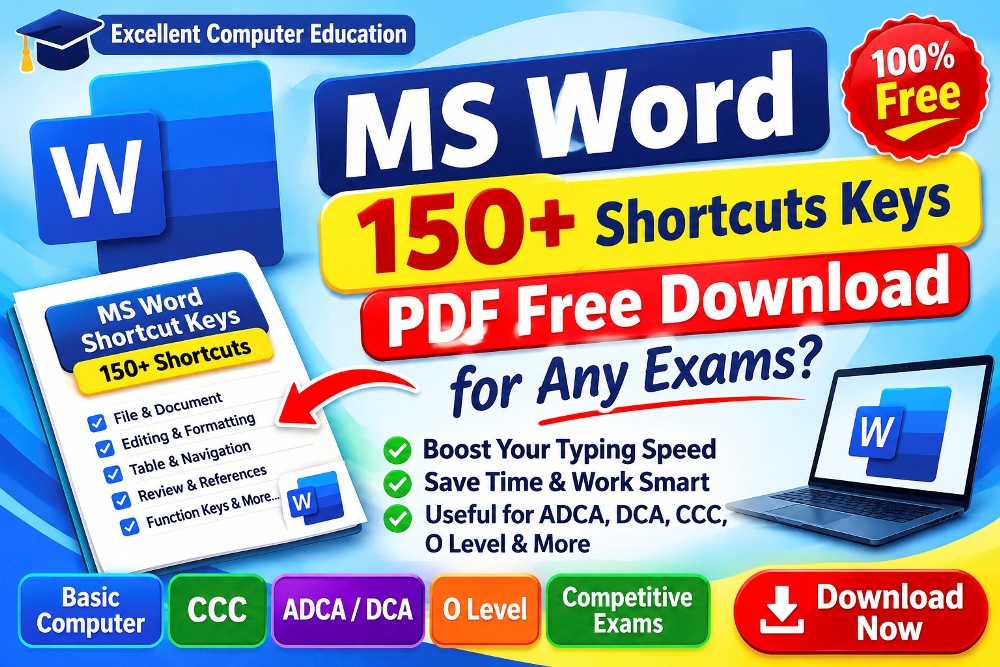
MS Word 150+ Shortcut Keys PDF Free Download
Microsoft Word is one of the most popular word-processing applications used by students, teachers, office employees and professionals. It helps users create, edit, format and print documents easily.
Learning MS Word Shortcut Keys is one of the easiest ways to improve typing speed, save time and work more efficiently. Instead of using the mouse for every task, you can use keyboard shortcuts to format text, create documents, edit paragraphs, insert tables and manage files.
In this article, Excellent Computer Education provides a useful collection of 150+ MS Word Keyboard Shortcut Keys PDF for beginners, ADCA, DCA, CCC and other computer course students. You can download the free PDF and practise these shortcuts on your computer.
MS Word 150+ Shortcut Keys PDF
Free Download – Complete Keyboard Shortcut Guide
Suitable for: Beginners | ADCA | DCA | CCC
Educational study material by Excellent Computer Education
What Are MS Word Shortcut Keys?
MS Word shortcut keys are combinations of keyboard buttons that perform specific commands quickly. For example, Ctrl + B makes selected text bold, Ctrl + S saves a document and Ctrl + P opens the print window.
Benefits of Learning Microsoft Word Shortcuts
- Save time while creating documents.
- Improve document editing speed.
- Format text without using the mouse.
- Improve computer practical skills.
- Prepare for ADCA, DCA and CCC examinations.
- Increase productivity in office work.
- Improve confidence in computer operator jobs.
Important MS Word Shortcut Keys for Beginners
Here are some commonly used Microsoft Word keyboard shortcuts:
| Shortcut Key | Function |
|---|---|
| Ctrl + N | Create New Document |
| Ctrl + O | Open Document |
| Ctrl + S | Save Document |
| Ctrl + P | Print Document |
| Ctrl + A | Select All |
| Ctrl + B | Bold Text |
| Ctrl + I | Italic Text |
| Ctrl + U | Underline Text |
| Ctrl + C | Copy |
| Ctrl + V | Paste |
| Ctrl + X | Cut |
| Ctrl + Z | Undo |
| Ctrl + Y | Redo |
| Ctrl + F | Find Text |
| Ctrl + H | Find and Replace |
| Ctrl + E | Center Alignment |
| Ctrl + L | Left Alignment |
| Ctrl + R | Right Alignment |
| Ctrl + J | Justify Alignment |
| Ctrl + Enter | Insert Page Break |
Categories Covered in Our MS Word Shortcut Keys PDF
- File and Document Management Shortcuts
- Editing and Clipboard Shortcuts
- Navigation and Selection Shortcuts
- Font and Character Formatting Shortcuts
- Paragraph and Alignment Shortcuts
- Styles and Heading Shortcuts
- Table Navigation Shortcuts
- Review and Spelling Shortcuts
- Insert and Special Character Shortcuts
- Function Keys and Ribbon Shortcuts
- View and Window Shortcuts
- Mail Merge and Field Shortcuts
Who Should Download This PDF?
This MS Word shortcut keys PDF is useful for:
- Basic Computer Course Students
- ADCA and DCA Students
- CCC Examination Candidates
- Computer Operator Job Seekers
- Office Assistants
- Students preparing for computer practical examinations
- Anyone who wants to improve Microsoft Word skills
Related Computer Study Materials
Explore more computer notes, assignments, interview questions and practical study materials from Excellent Computer Education.
Frequently Asked Questions (FAQs)
The guide contains 150+ keyboard shortcut entries organised into different categories.
Yes. This educational PDF is available for free download from Excellent Computer Education.
Yes. The guide is designed for beginners, ADCA, DCA, CCC students and office computer users.
Press Ctrl + S to save your current Word document.
Press Ctrl + B to apply or remove bold formatting.
Most common shortcuts work in desktop versions of Microsoft Word for Windows. Some advanced shortcuts may vary by version.
Download MS Word Shortcut Keys PDF Free
Get 150+ Keyboard Shortcuts for Learning and Practical Exams.
⬇ Download PDF NowSave it, practise daily and improve your computer skills.
About Excellent Computer Education
Excellent Computer Education is a job-oriented computer training centre located at Goel Palace, Faizabad Road, Indira Nagar, Lucknow, Uttar Pradesh. We provide practical computer education and career-oriented training for students and job seekers.
Our Popular Courses: ADCA, DCA, CCC, NIELIT O Level, Advanced Excel, Tally Prime with GST, Power BI, Python Programming and Digital Marketing.
Contact: 9795720993
Website: excellentcomputereducation.com