Table of Contents
ToggleExcel Automation with AI in Hindi
आज के digital workplace में speed और accuracy सबसे ज्यादा important हो गई है। सिर्फ basic Excel knowledge अब sufficient नहीं है। अब companies ऐसे professionals ढूंढ रही हैं जो Excel को AI के साथ use करके automation कर सकें।
Microsoft Excel और Microsoft Copilot जैसे tools ने Excel को एक powerful automation platform बना दिया है, जहां complex tasks भी कुछ seconds में पूरे हो जाते हैं।
Excel Automation with AI क्या है?
Excel Automation with AI का मतलब है AI tools की मदद से repetitive और complex Excel tasks को automatically perform करना।
पहले जहां formulas manually लिखने पड़ते थे, अब AI खुद:
- formulas generate करता है
- data analyze करता है
- reports बनाता है
- charts create करता है
क्यों यह Skill 2026 में जरूरी है
तेजी से बदलता Job Market
- Companies अब automation और AI-based काम को prefer कर रही हैं
Time Saving
- एक ही task जो पहले 1 घंटे में होता था, अब 5 मिनट में हो सकता है
High Salary Opportunities
- AI + Excel skills वाले candidates की demand तेजी से बढ़ रही है
Smart Work Culture
- Manual work की जगह smart tools का use बढ़ रहा है
Excel Automation with AI के Main Uses
Automatic Formula Generation
- AI से complex formulas instantly बन जाते हैं
Data Analysis
- AI trends, patterns और insights निकालता है
Report Automation
- Daily, weekly reports automatically generate होती हैं
Data Cleaning
- Duplicate data remove, formatting fix, missing values detect
Dashboard Creation
- Interactive dashboards कुछ clicks में बन जाते हैं
Step-by-Step Example
Problem:
आपके पास sales data है और आपको total sales, top product और chart बनाना है
Data:
| Product | Sales |
| A | 1000 |
| B | 2000 |
| C | 1500 |
Step 1: Excel में Data Insert करें
- Table format में data रखें
Step 2: Copilot Open करें
- Excel में Copilot panel open करें
Step 3: Prompt लिखें
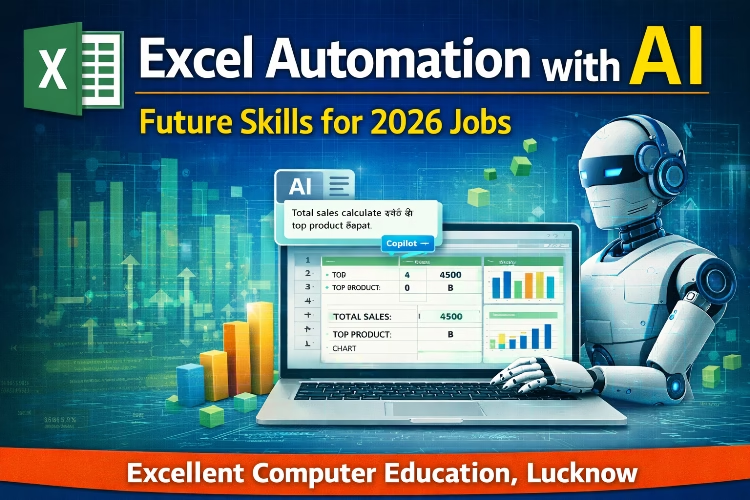
- “Total sales calculate करो और top product बताओ”
Step 4: Result
AI automatically:
- Total sales calculate करेगा
- Top product identify करेगा
- Chart suggest करेगा
Example Output:
Total Sales = 4500
Top Product = B
Advanced Example
Task: Monthly Report Automation
Prompt:
“Monthly sales summary बनाओ और chart create करो”
Result:
- Summary table
- Bar chart
- Insights जैसे highest और lowest sales
कौन-कौन सी Skills सीखनी चाहिए
Excel Basics
- SUM, IF, XLOOKUP
- Data formatting
Advanced Functions
- FILTER, SORT, UNIQUE
- LAMBDA, LET
AI Tools
- Copilot
- AI formula generators
Data Analysis
- Pivot Table
- Charts
Job Roles जहां यह Skill काम आएगी
- Data Analyst
- MIS Executive
- Accountant
- Business Analyst
- Office Executive
Future Scope
आने वाले समय में Excel + AI combination हर industry में use होगा। जो लोग अभी से यह skill सीख लेते हैं, उन्हें job market में बड़ा advantage मिलेगा।
Conclusion
Excel Automation with AI एक future-ready skill है जो आपको fast, efficient और job-ready बनाती है। अगर आप 2026 में career growth चाहते हैं, तो यह skill सीखना जरूरी है।
यह सिर्फ Excel सीखना नहीं है, बल्कि smart तरीके से काम करना सीखना है।